Most people trying to land their first AI client are selling the wrong thing.
They pitch automations. Chatbots. Agents. Solutions to problems that don’t exist yet — or at least, problems the business owner can’t see.
So the pitch dies. Not because the business doesn’t need AI. Because nobody buys a build for a problem they can’t see.
The fix is old. Consultancies have used it to get a foot in the door for decades. You don’t sell the build. You sell the diagnosis.
It’s called an AI audit. These start around two grand for a three-day sprint and scale to four-week engagements for bigger companies. This post is the full playbook: the questions to ask, how to map processes, how to score opportunities so the client signs off — and how the audit converts into the much larger build engagement that usually follows.
What an AI audit is — and isn’t
It is not walking into a company and asking “have you tried Claude or ChatGPT?” That’s not an audit. That’s a coffee chat.
A real audit is three things:
- Discover — you find out how the business actually runs, from the people who do the work.
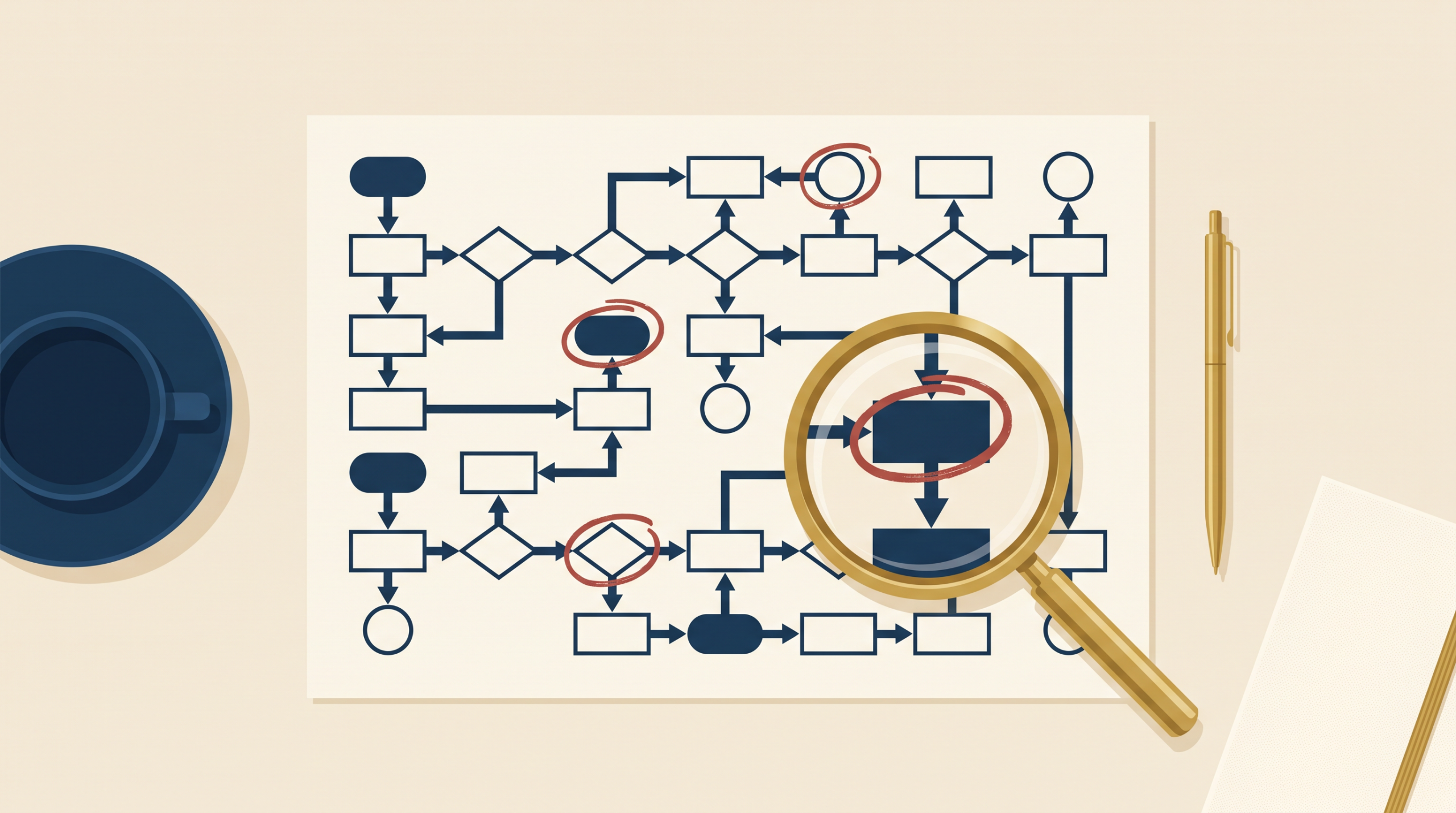
- Map — you turn what you heard into flow diagrams so everyone can see the bottlenecks at the same time.
- Prioritise — you hand back a roadmap: the highest-leverage tasks to automate, in what order, with what tools, what it costs, what it saves, and how long it takes.
The company gets clarity. You get paid to write the roadmap. And the person who wrote the roadmap is the obvious person to build what’s on it.
Step 1: Pre-audit discovery
The engine of an audit is interviews. But before you interview anyone, do some preliminary research. Two reasons: you arrive prepared, and you catch dealbreakers early.
Collect this before day one — most of it comes from one email to the owner:
- What leadership thinks the problem is. Ask the owner up front: what’s the business problem you think AI solves? Write it down word for word. You’ll compare it against what the interviews reveal. The gap between the two is usually where the real value sits.
- Tool stack inventory. CRM, email, project management, accounting, spreadsheets. Ask for the list — and ask which tools people actually use versus which ones they pay for and ignore.
- Who owns what. Names against functions. Who runs sales ops, who owns the inbox, who approves invoices. That’s your interview list.
Walking into your first interview already knowing the tool stack and the org chart separates you from every other “AI consultant” they’ve talked to. Preparation is the pitch.
Step 2: Stakeholder interviews
Fifteen to thirty minutes each. At a minimum you want two people per business function: the person who actually does the work, and the manager responsible for it.
Managers tell you how the process is supposed to work. Operators tell you how it actually works. The gap between those two answers is where the money is.
Here’s the question bank:
- “Walk me through your process, step by step.”
- “What do you copy and paste between tools?”
- “What breaks when someone’s on holiday?”
- “What task do you dread every week?”
- “Where do you wait on someone else before you can continue?”
- “What do you do the same way, every single time?”
- “If I gave you an assistant for one task, what would you hand them first?”
- “How long does that take?”
You’re hunting four signals: repetition, copy and paste, waiting on approvals, and dread. That’s what automation solves.
Record every interview — with permission. I use Tactiq as the meeting note taker, so every interview produces a transcript automatically. Feed those transcripts into Claude and pull out the process steps, timings, and bottlenecks. Your notes become process maps without you re-typing a word.
Step 3: Map the processes
One flow diagram per process. Order-to-invoice. Lead-to-proposal. Ticket-to-resolution.
I use Mermaid.ai because I can generate the flowchart straight from the interview transcripts with a prompt, then clean it up in the editor.
For every step in the flow, tag three things:
- Who does it
- How long it takes
- What tool it happens in
Then mark the ugly stuff in red. Manual data entry. Copy-paste between systems. Slow approvals. Low response rates. When the owner watches their lead process cross six tools and four people before a proposal goes out, you don’t have to convince them anything is broken. The picture does it.
Step 4: Attach solutions — with specific tools
Now attach a fix to every red step. And be specific. Name the tool and describe how it improves the process. Vague recommendations don’t get budget.
- Manual data entry between systems → workflow automation with n8n, Zapier, or Google Apps Script
- Document processing — invoices, contracts, forms → LLM extraction into structured data
- Report writing that’s identical every week → templated generation with a review step
- Slow internal communication → an internal AI assistant tuned to the company’s own data
- Poor lead quality or low response rates → AI-written personal outreach based on real research signals
Step 5: Score it — the cost vs impact quadrant
You’ll come out of the last step with a list of automations. You can’t recommend all of them. So you score, prioritise, and estimate.
Two axes. Horizontal: cost to implement — build time, tooling, complexity. Vertical: business impact — hours saved, errors reduced, revenue unlocked. Four quadrants:
- Low cost, high impact — quick wins. These go first, always. They build trust once implemented.
- High cost, high impact — strategic bets. Phase two. Worth doing, needs planning.
- Low cost, low impact — nice-to-haves. Batch them or skip them.
- High cost, low impact — the trap. Kill these on sight. This is where the client’s pet project usually lives.
Then back every dot on the chart with real numbers, because a dot doesn’t get budget approved. Time and cost do.
The math is simple. Hours saved per month, times loaded hourly rate, versus build cost plus monthly running cost. If a task eats 20 hours a month at $50 an hour, that’s $12k a year. If it costs $3k to build and $100 a month to run, payback lands in about three months.
One more gate before anything makes the roadmap: feasibility. Any compliance issues — personal data, financial data? Does it need a human in the loop? Some high-impact items fail here. And showing the client what NOT to automate builds more trust than any pitch.
Step 6: The deliverable
Everything so far becomes one document. This is what they’re paying for.
- Executive summary — one page, findings and headline ROI
- Process maps — the flow diagrams with bottlenecks marked
- Opportunity matrix — the quadrant
- Recommendations — each with tool, ROI math, and risk notes
- Roadmap — quick wins first, phase two after
- Timeline and cost
And here’s one of the best kept secrets to keeping a client happy. It isn’t the build. It’s accurate estimation.
Every horror story about agencies and freelancers is the same story: “they said two weeks, it took two months.” That’s not a build problem. That’s an estimation and communication problem.
So don’t use single numbers. Single numbers are promises you can’t keep. Use PERT estimation instead. For every task, give three estimates — best case, most likely, worst case — and blend them into one weighted number: (best + 4×likely + worst) ÷ 6.
This does two things at once. It protects you: when your quote already includes the worst case, an overrun isn’t a broken promise — it’s inside the range you gave them. And it means no surprises for the client: they saw the worst case before they signed. Happy clients aren’t the ones where everything went perfectly. They’re the ones who were never surprised.
Step 7: Present live and convert
Never just email the report. Present it live. Walk them through it. Land on the quick wins.
They now hold the full roadmap. They could hand it to anyone — but you’re the obvious choice. No pressure, no pitch deck. The audit does the selling.
Three mistakes that kill audits
- Auditing tasks instead of processes. “Automate my emails” is a task. Lead-to-proposal is a process. Processes have ROI; tasks don’t.
- Letting the client self-diagnose. They’ll hand you their pet project, and it’s almost always high-cost, low-impact. Interview the operators.
- Naming tools before mapping flows. Say “n8n” in the first meeting and you’re a vendor. Say it in the report with ROI attached and you’re a consultant.
Get the full toolkit
Free download
The Example AI Audit Report
A complete 12-page audit deliverable for a marketing agency — see the standard before you write your own.
I’ve packaged this entire process into the AI Audit Toolkit — five documents: the end-to-end process guide, the discovery questionnaire, the process mapping guide, the opportunity matrix with scoring sheet, and a complete example audit report for a marketing agency so you can see the finished deliverable before you write your own.
It’s free. Grab it here.
And if you’d rather watch the whole playbook, the video version is coming next week on YouTube.