The loudest advice on ai tools for consultants is usually wrong. It pushes the newest model, the flashiest demo, or the longest feature list, when the real decision is much simpler: choose the tool your client can adopt, govern, pay for, and hand off without drama. In practice, that means the right stack depends on the client's existing systems, the workflow's complexity, the data involved, the volume of work, and who owns the solution after launch.
That's why the best consultant stack rarely starts with “What's most advanced?” It starts with, “What can be delivered reliably?” SeanNoCode's practice-led approach fits that reality, because production-ready delivery, scoped offers, and repeatable workflows matter more than novelty. The useful tools in this list are the ones that help you ship a proposal, a research pack, an internal app, or an automation that won't fall apart when the client team starts using it.
I'm judging each tool by where it fits in the delivery lifecycle, research, discovery, proposal work, workflow construction, internal applications, data management, and handoff. I'm also treating pricing, governance, and operational ownership as selection criteria, because the wrong plan can turn a useful tool into a margin problem fast.
Table of Contents
- 1. OpenAI ChatGPT
- 2. Anthropic Claude
- 3. Perplexity
- 4. Microsoft Copilot Studio
- 5. Zapier
- 6. Make
- 7. n8n
- 8. Retool + Retool AI
- 9. Airtable With Airtable AI
- 10. Fathom AI Notetaker
- Top 10 AI Tools for Consultants: Feature Comparison
- Build the Stack Around the Delivery Risk
1. OpenAI ChatGPT
ChatGPT is still the default generalist for consultant work because it handles the messy middle of an engagement well. It's useful for early research, drafting proposals, shaping scopes of work, rewriting client language, and turning rough notes into something a stakeholder can read without a meeting.
OpenAI ChatGPT is strongest when you need a flexible assistant that can move between discovery, proposal writing, and client-ready explanations without changing tools every five minutes. In practice, that means one place for synthesis, first-pass drafting, and quick cleanup of files or copied notes. The team and enterprise tiers matter because consultant work often needs shared workspaces, admin controls, and governance around client data, not just a private chat window.
Where it fits in delivery
Use ChatGPT when the task is broad and the output needs to be shaped, not just searched. It's a good fit for pre-sales messaging, early SOW language, internal templates, and code snippets that support a delivery workflow. It's also one of the easiest tools to standardize across a small team, which matters when you're trying to package an AI-assisted service rather than improvise every project.
Practical rule: if you need one assistant to cover research, drafting, and explanation, ChatGPT is the first tool to test. If you need strict source traceability or a research-first workflow, pair it with something else instead of forcing it to do everything.
The downside is ownership risk. Model behavior, feature limits, and plan details change, so a consultant who builds a process too tightly around today's interface can end up reworking the workflow later. It's a strong generalist, but it's not the tool you choose when the client needs a tightly governed research environment or a highly specialized delivery layer.
2. Anthropic Claude
Claude is a better fit when the work demands structure, long-form reasoning, and careful wording. That makes it especially useful for audits, policy-sensitive communications, executive summaries, and client-facing documents where tone matters as much as content.
Claude tends to shine in engagements where the consultant is handling dense material, internal knowledge, or sensitive feedback. The long-context approach is valuable when you're reading a long brief, a multi-section policy, or a pile of notes that would be painful to compress by hand. Its published API documentation is also a real advantage when you're forecasting implementation, because documentation clarity reduces guesswork during scoping.
Best use cases and trade-offs
Claude works well for structured analysis, internal memo drafting, and careful redrafting of material that's already been researched elsewhere. It's a strong choice for consultants who need to sound precise without sounding robotic. The team and enterprise options make it more appropriate for client work than a casual consumer account, especially when collaboration and connectors to internal knowledge are part of the delivery.
The limitation is that it's not the most research-first assistant on this list. If your workflow starts with live web investigation, you may still want a dedicated search copilot alongside it. The highest tiers can also require a sales conversation, so it's better to evaluate it as part of a delivery stack, not as a quick one-click purchase.
“Use Claude for the draft that has to survive redlines.”
That's the true value. Consultants often need to produce documents that are reviewed by legal, procurement, leadership, or policy teams. Claude is often a better first draft partner for that environment than a more casual assistant, especially when clarity and restraint are part of the deliverable.
3. Perplexity
Perplexity is the cleanest choice when the engagement is built around evidence gathering. It's a research-first answer engine, which makes it useful for market scans, competitor reviews, prospect prep, and proposal citations that need to be traceable quickly.
Perplexity earns its place in a consultant stack because it saves time on the two tasks that slow teams down most often, finding sources and organizing them. Projects help collect findings in one place, which is useful when a proposal, audit, or discovery note needs to be revisited over several days instead of recreated from scratch. That kind of source collection is much easier to hand off than a loose trail of browser tabs and half-remembered prompts.
Why consultants use it differently from ChatGPT
ChatGPT is good at synthesis, but Perplexity is better when the client expects visible sourcing. That distinction matters in consulting because credibility depends on where the answer came from, not just how quickly it was written. If you're preparing a board-facing brief or a market scan, cited answers are far more defensible than a polished paragraph with no obvious paper trail.
The trade-off is that it's not a full workflow builder. It won't replace automation, intake, or internal app layers, and heavy use of advanced computer tasks needs monitoring so you don't drift into an expensive habit. Treat it as the research layer, not the whole consulting stack.
For many firms, this is the point where the delivery process becomes more professional. Research isn't just faster, it's easier to review, archive, and reproduce later. That makes Perplexity valuable not because it replaces human judgment, but because it reduces the time spent proving the judgment was well grounded.
4. Microsoft Copilot Studio
Copilot Studio belongs in conversations where the client already lives inside Microsoft 365 and expects enterprise controls from day one. It's a builder for domain-specific copilots and agents, which makes it a strong option for intake, FAQs, guided self-service, and internal workflows that need identity integration.
Microsoft Copilot Studio is one of the more practical choices for consultants working in compliance-heavy environments. It can ground agents on client data and publish them into Teams, web, and other channels with Microsoft governance. That matters because many consulting projects fail at handoff, not build, and a tool that already fits the client's identity and permissions model reduces the odds of a messy migration.
When it wins and when it doesn't
Use it when the client wants an agent that behaves like part of the Microsoft estate, not a bolt-on side project. It's a strong fit for service desks, internal knowledge helpers, onboarding flows, and controlled client portals. It's also useful when the consultant needs to show operational ownership clearly, because the distribution model is tied to the client's broader environment.
The downside is pricing complexity. Metered Copilot Credits and pay-as-you-go options can make forecasting harder than a simple seat-based tool, especially when external users are involved. That means you need to estimate usage carefully before you promise a fixed-scope deliverable. If you can't model the consumption path, you can't confidently own the margin.
For Microsoft-centered clients, though, Copilot Studio can simplify the whole conversation. It gives you an enterprise-credible way to move from a prototype to a governed application without forcing the client into a disconnected stack.
5. Zapier
Zapier is still the fastest way to turn a consultant's idea into a working automation. It's a strong choice when the goal is to prove value quickly, stitch systems together, and hand the client something that's familiar enough to maintain with limited friction.
Zapier makes sense in the delivery lifecycle when you're moving from proposal to working workflow. With a large connector ecosystem, AI steps, Tables, Interfaces, and Canvas, it can support everything from lightweight intake to visible process maps. That combination is especially useful when the client wants a solution that feels concrete, not abstract.
Where it shines in client delivery
Zapier works well for repeated integrations, lead routing, notification flows, intake forms, and content pipelines. It's often the simplest way to package a fixed-scope offer because the logic is easy to explain and the handoff is usually manageable. Clients also tend to recognize it, which lowers some of the “what are we buying?” resistance that can slow consultant deals.
The problem is cost creep. Task-based pricing can scale faster than expected when the workflow becomes popular or noisy. Advanced logic can also force you into awkward workarounds, and those workarounds can create maintenance debt if the client wants more than a straightforward sequence.
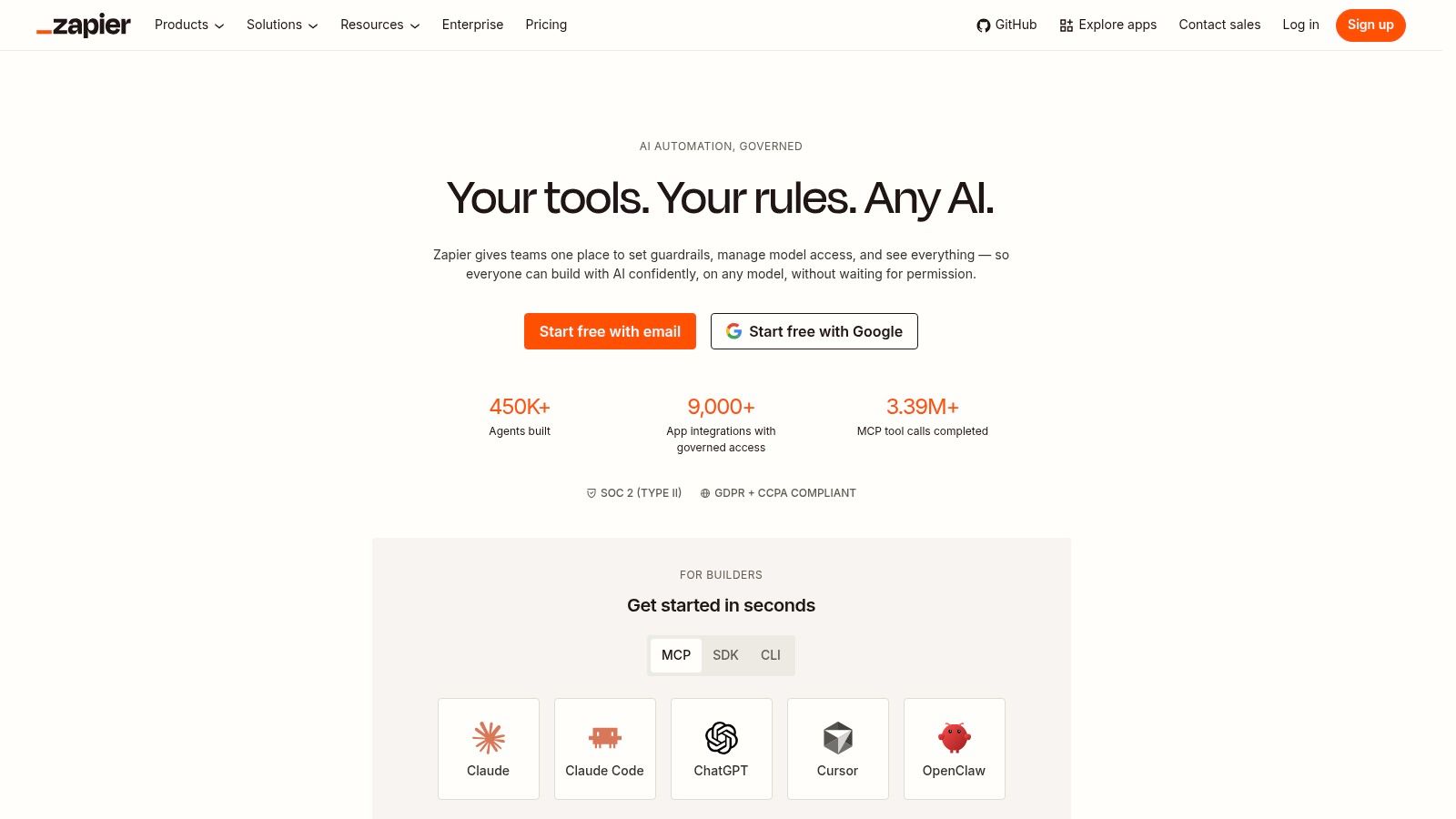
If you're selling speed, Zapier is hard to beat. If you're selling deep customization or long-term control, it may be the wrong foundation. That's the key consultant trade-off, use it when fast implementation matters more than architectural elegance.
6. Make
Make is the stronger choice when the workflow gets more intricate and the logic needs to be visible. It's built for scenario-based orchestration, so consultants often reach for it when Zapier starts feeling too rigid or too expensive for the shape of the problem.
Make is useful in API-heavy engagements, branching workflows, and anything that benefits from a visual map of how data moves. The credit model also makes capacity planning more explicit, which helps when you're scoping a client build that could grow after launch. That matters in consulting because underpricing usage is one of the fastest ways to destroy project margin.
A better fit for complex logic
Make is often the right answer for clients who need more than simple triggers and actions. If the workflow involves multiple decision paths, data transformation, or debugging across several systems, Make gives you more control than a basic automation layer. It's also a good fit when you want to show the client how the process works instead of hiding it behind a black box.
The trade-off is monitoring. Credit usage needs attention, and app coverage doesn't always match the long tail of tools that Zapier supports. That means you should choose it when the process complexity justifies the extra setup, not because it looks more advanced in a demo.
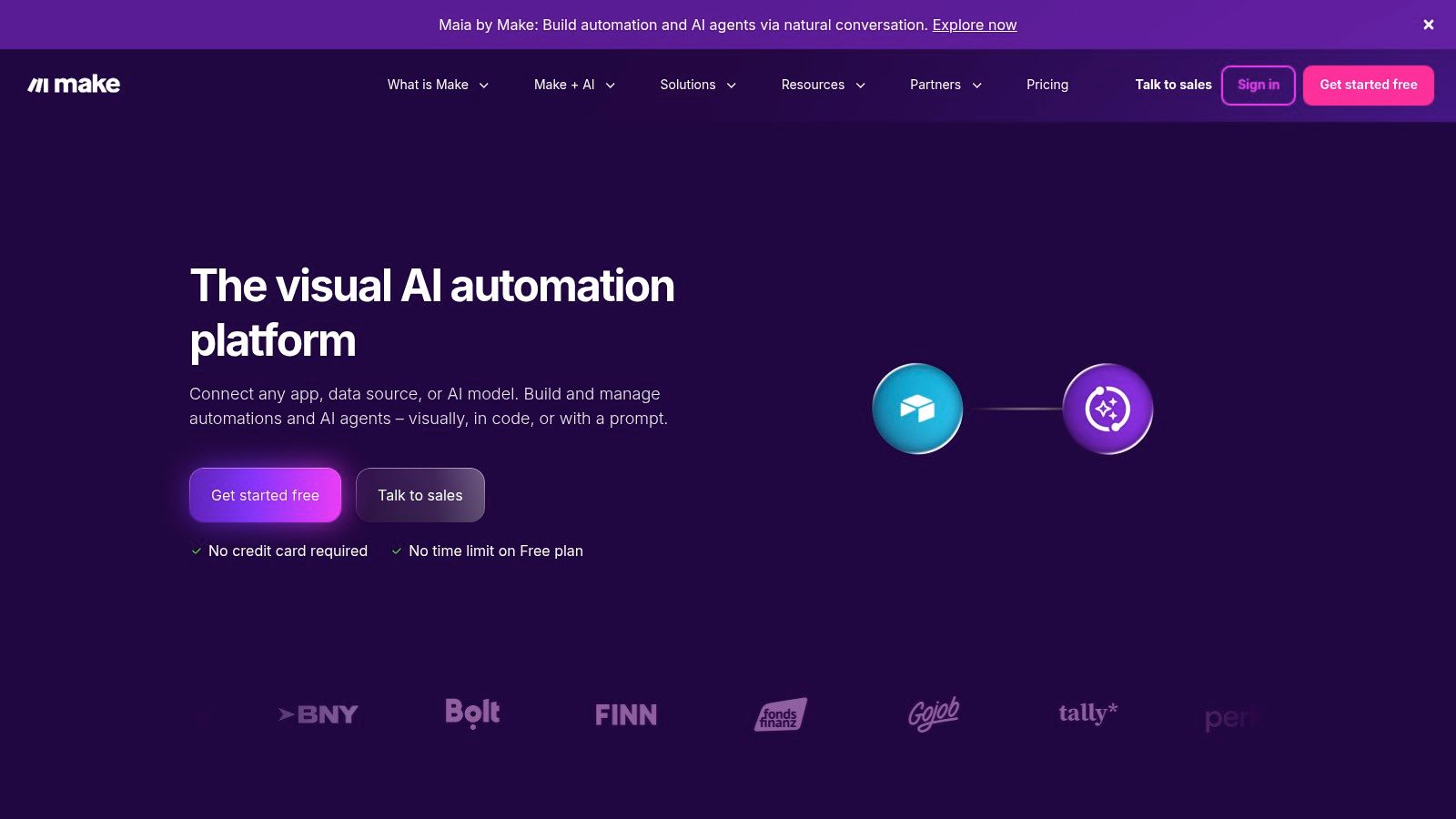
For consultants, Make is often the “I need this to work properly” platform. It's not always the simplest to explain, but it's easier to defend when the workflow has real branching logic and the client expects maintainability.
7. n8n
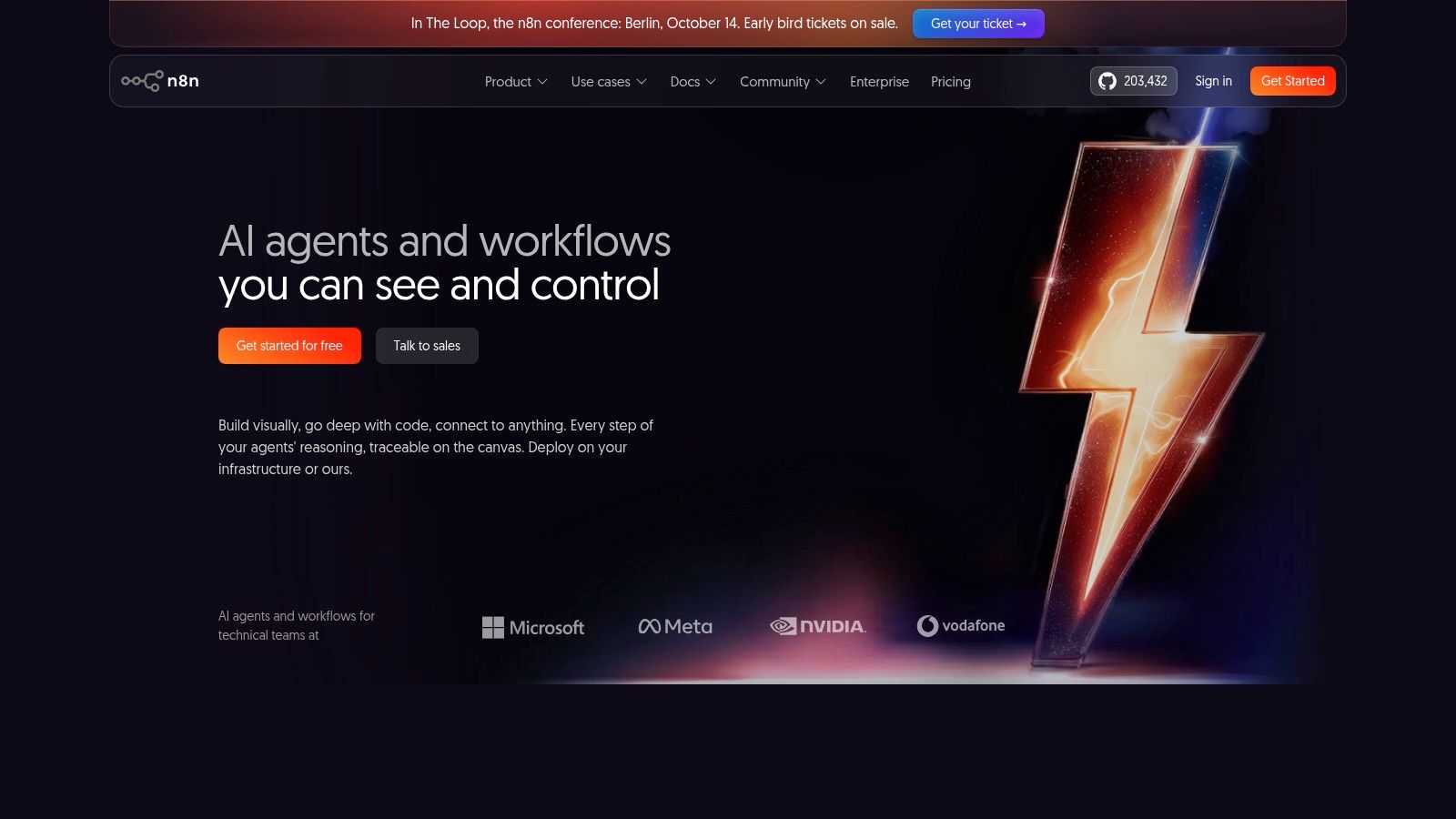
n8n is the choice for consultants who care about control, extensibility, and the ability to own the stack. It works well as a self-hosted workflow engine, which makes it attractive for client backends, custom integrations, and data-sensitive environments where unit cost matters.
n8n is particularly relevant when you're designing a solution that needs full operational ownership. The self-hosted Community Edition, with no execution limits, gives you a path to lower total cost at scale if you can support the infrastructure. That makes it especially attractive for consultants who are productizing workflows or building repeatable delivery systems for more than one client.
Why ownership changes the choice
This is the platform you choose when the client wants control over where data lives and how workflows are governed. It also fits teams that already operate through GitHub-centric processes or want custom nodes for niche integrations. For a consultant, that can be the difference between a throwaway automation and a durable client asset.
Practical rule: if the client expects the workflow to become part of their operating model, not a side experiment, n8n deserves serious attention.
The downside is operational burden. Self-hosting means DevOps responsibilities, security work, and reliability management that many consultants underestimate on the first pass. The cloud option reduces some of that pain, but pricing and tier structure can still be confusing relative to actual execution needs.
For deeper implementation patterns, the build approach in SeanNoCode's AI agents and workflows course is relevant because n8n projects tend to succeed or fail on architecture, handoff, and change control, not on the first demo.
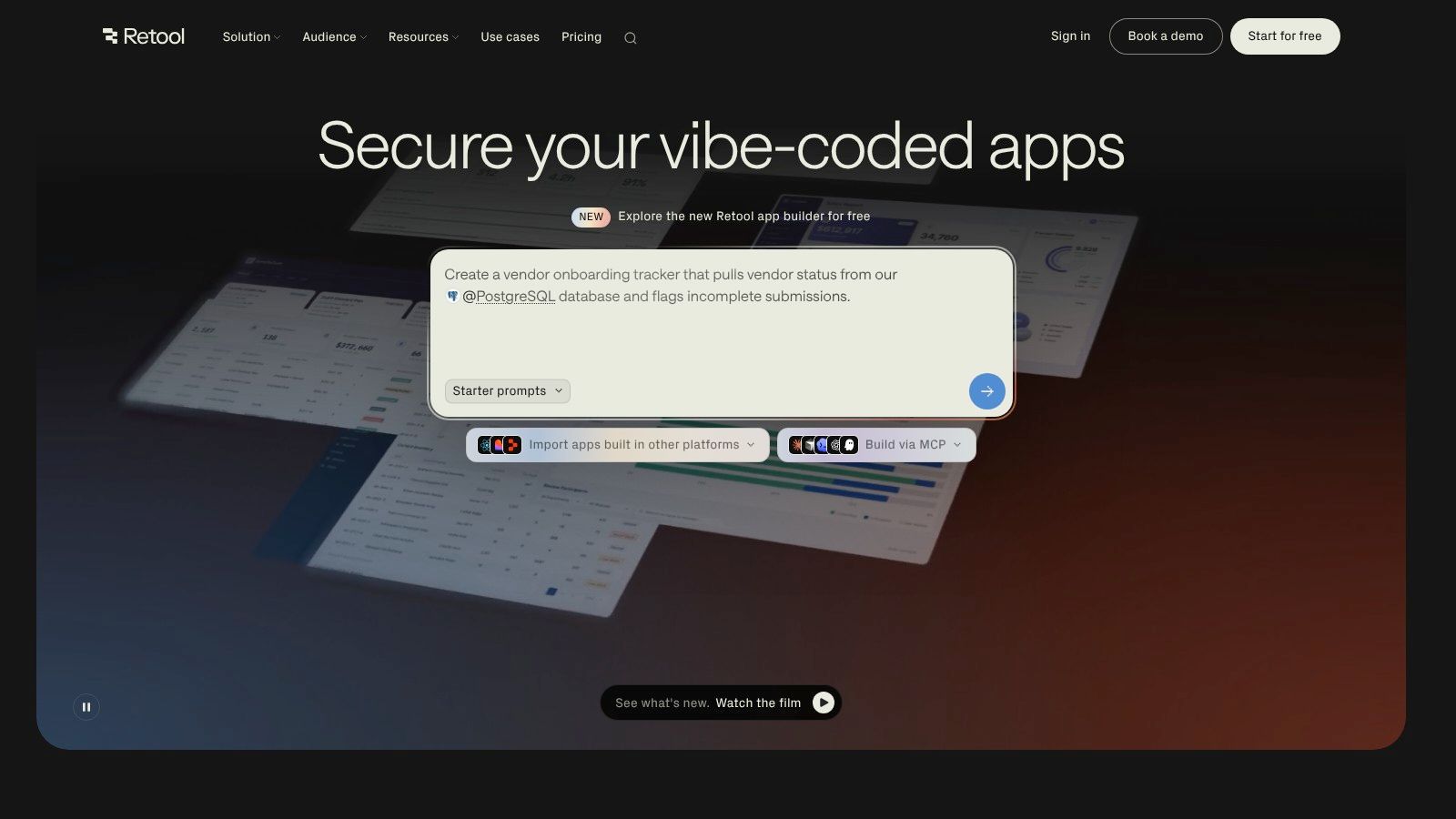
8. Retool + Retool AI
Retool is one of the best options when a consultant needs to turn data into an internal app, portal, or operational dashboard. It sits closer to application delivery than automation, which makes it especially useful after discovery, once the client knows what they need staff to do with the data.
Retool is strong because it can sit on top of databases and APIs without forcing you to build everything from scratch. Add AI building blocks, and you can create retrieval patterns, summarize records, and speed up user interactions inside the app itself. For consultants, that means you can convert assessment outputs into something the client team uses every day.
Best fit in the lifecycle
Retool belongs in the internal applications and handoff phases. It's a strong fit for admin portals, CRUD apps, operational dashboards, and external-facing portals that need permissions and audit logs. The enterprise security model makes it easier to justify to clients who care about access control and deployment discipline.
The trade-off is cost structure. Seats and AI credits can rise quickly as the team grows, and the self-hosted route is generally locked behind Enterprise. That means you should think carefully about who will own the app after launch, because the ongoing economics matter as much as the build itself.
For consultants who want to go deeper on productized app delivery, SeanNoCode's better-apps training aligns well with this layer, because internal apps fail when they're built like demos instead of operational systems.
9. Airtable With Airtable AI
Airtable is the best fit when the client needs a structured source of truth. It's useful for inventories, delivery trackers, audit matrices, lightweight knowledge bases, and other operational data that needs to stay organized after the consulting engagement ends.
Airtable works because the data model is easy to understand and the AI features live where the records already are. That makes enrichment, document analysis, and light research easier to absorb into a real workflow. For consultants, this matters when the project's value depends on keeping the client's information clean and usable instead of burying it in a folder of static files.
Why it survives handoff better than many tools
Airtable is especially strong when you need a central repository during delivery and after. Interfaces can turn the database into a client-facing reporting layer, and templates help you shape the client's operating rhythm instead of starting from scratch each time. The enterprise options matter if the client needs more governance and higher AI credit pools.
The downside is that AI features are credit-metered and plan-dependent, so you need to watch consumption carefully. Advanced external integrations may also still require an automation layer, which means Airtable often works best as the data hub, not the whole solution.
If you want a practical content-and-data delivery angle, SeanNoCode's systems for scalable content strategy are relevant because structured data only becomes valuable when the client can use it to run their business.
10. Fathom AI Notetaker
Fathom is the easiest win for consultants who spend time in discovery calls, stakeholder reviews, and recurring client meetings. It records, transcribes, and summarizes conversations, which makes it a useful capture layer before you write proposals, audits, or implementation plans.
Fathom AI Notetaker is valuable because it turns meeting memory into reusable artifacts. Instead of relying on scattered notes, consultants can standardize how discovery is captured and feed those outputs into templates and delivery docs. That makes it especially useful in the earliest part of an engagement, when the quality of notes shapes the quality of the entire proposal.
Why note capture matters more than most teams think
The biggest benefit is consistency. If discovery notes are always captured the same way, the consultant can turn them into a repeatable process instead of a one-off scramble. Team folders, comments, keyword alerts, and CRM integrations also make it easier to push meeting intelligence into the rest of the sales and delivery system.
The obvious downside is review. Some clients will want a security or compliance check before a meeting assistant is allowed anywhere near sensitive calls. You also need to check which collaboration features are locked behind paid plans, because the cheapest path isn't always the safest one for client-facing work.
Good meeting capture doesn't replace discovery skill. It protects it.
For consultants, Fathom is often the difference between “we had a good call” and “we have usable material for the next deliverable.” That's a small shift that creates a very real operational advantage.
Top 10 AI Tools for Consultants: Feature Comparison
| Tool | Core use / Key features ✨ | Quality / UX ★ | Value / Pricing 💰 | Best for 👥 | Unique strength 🏆 |
|---|---|---|---|---|---|
| OpenAI ChatGPT | ✨ General assistant: drafting, research, code snippets, GPTs & file tools | ★★★★☆, strong reasoning & writing | 💰 Free → Teams/Enterprise; enterprise pricing can be opaque | 👥 Consultants for proposals, discovery, docs | 🏆 Versatile generalist + ecosystem |
| Anthropic Claude | ✨ Long-context models, safety tooling, team workspaces & connectors | ★★★★☆, structured, careful language | 💰 Pro/Team/Enterprise; published API pricing | 👥 Audits, policy-sensitive client work | 🏆 Long-context reasoning & safety |
| Perplexity | ✨ Research-first answer engine with cited sources & Projects | ★★★☆☆, fast, research-oriented UX | 💰 Free + Pro credits; compute limits for heavy tasks | 👥 Market research & competitor analysis | 🏆 Fast cited web answers |
| Microsoft Copilot Studio | ✨ Build/publish copilots across M365 & web with governance | ★★★★☆, enterprise polish, integrated UX | 💰 Metered Copilot Credits PAYG; requires estimation | 👥 Enterprises / clients on Microsoft 365 | 🏆 Enterprise governance & identity integration |
| Zapier | ✨ 6,000+ connectors, AI steps, Tables/Interfaces/Canvas | ★★★★☆, fastest path to working automations | 💰 Task-based pricing; costs scale with volume | 👥 Consultants productizing repeatable integrations | 🏆 Largest app ecosystem & familiarity |
| Make | ✨ Visual scenario builder, webhooks/APIs, dev extensions | ★★★★☆, strong for branching & debugging | 💰 Slider & credit bundles; monitor consumption | 👥 API-heavy, complex orchestration projects | 🏆 Granular control & predictable capacity |
| n8n | ✨ Self‑hosted workflows, custom nodes, cloud option | ★★★☆☆, flexible but needs DevOps | 💰 Lowest TCO self-hosted; cloud tiers vary | 👥 Clients needing data control & custom integrations | 🏆 Extensibility & cost-efficiency at scale |
| Retool + Retool AI | ✨ Visual internal apps, strong auth, AI building blocks | ★★★★☆, pro-grade app builder UX | 💰 Seat pricing + AI credits; can be expensive | 👥 Internal tools, dashboards, enterprise portals | 🏆 Fast from data → secure internal apps |
| Airtable + Airtable AI | ✨ Structured DB, AI enrichment, Interfaces & templates | ★★★☆☆, great for trackers & KBs | 💰 Credit‑metered AI; plan-dependent caps | 👥 Delivery trackers, inventories, lightweight KBs | 🏆 Source-of-truth with embedded AI |
| Fathom AI Notetaker | ✨ Meeting recording, transcription, summaries & action items | ★★★★☆, captures discovery effectively | 💰 Generous free tier; paid plans for advanced features | 👥 Discovery interviews, stakeholder reviews | 🏆 Automated, shareable meeting notes |
Build the Stack Around the Delivery Risk
The most reliable way to choose ai tools for consultants is to work backward from delivery risk. Start with the client's system of record, because that's where trust, ownership, and continuity live. Then choose the simplest automation layer that can meet the workflow requirements, and only after that add an AI assistant for research or content work where it creates measurable value.
That sequence keeps you from over-engineering the first version. It also makes handoff much easier, because the client inherits a stack they can understand and maintain. Before launch, test the full handoff path, forecast usage-based costs, document ownership and change control, and validate privacy requirements. A beautiful prototype that fails in operations is still a failed delivery.
The practical stack summary is straightforward. Use generalist assistants like ChatGPT and Claude for consulting work that needs drafting, reasoning, and explanation. Use Perplexity for evidence gathering and source-backed research. Use Zapier or Make for fast integrations, n8n for control and customization, Copilot Studio for Microsoft-centered clients, Retool for internal applications, Airtable for structured operational data, and Fathom for discovery capture.
What separates a useful consultant from a fragile one is not how many tools they know. It's whether they can scope the work, keep the client's data safe, and deliver something that still works after the kickoff energy fades. SeanNoCode is a relevant next step if you need templates, live implementation support, pricing guidance, and a production-oriented way to package AI automation delivery into something clients can buy.
If you want help turning these tools into a client-ready offer, SeanNoCode shares templates, delivery guidance, and practical build support for consultants who want to ship production-ready AI work. Visit SeanNoCode to see how the offer design, pricing, and handoff pieces fit together.